
Practical Guide
Big Ambitions Cinema Layout
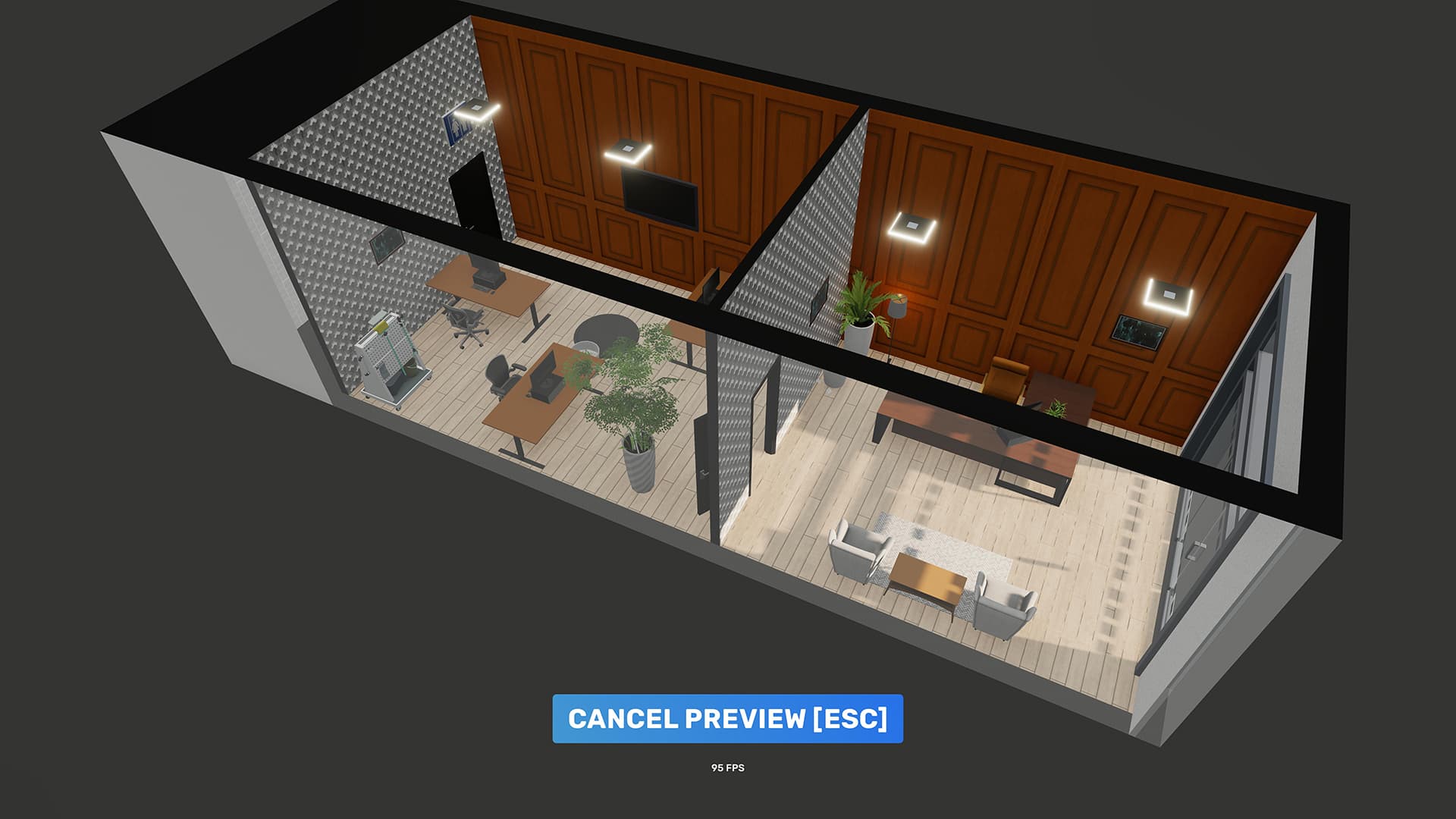
Plan a cinema around entry, service, concessions, screening, seats, projection staff and stock movement. Use a version-compatible blueprint as a starting point, then adapt it to the selected building.
What Can Be Confirmed
Blueprints were added in EA 0.3, can be shared through Steam Workshop and can be installed through Interior Installation Firms. EA 0.11 added filtering by compatible game version.
- Default and community blueprints
- Steam Workshop sharing
- Interior Installation Firm installation
- Game-version filter in EA 0.11
Cinema Layout Zones
Separate entry and service, concession preparation, screening and seating, employee access and stock movement.
- Entrance and queue
- Ticket or service point
- Concessions
- Screen and seats
- Projection area
- Storage
Build from the Operating Chain
Place the required workstations first, then connect customer and stock movement. Decoration should fill remaining space rather than forcing essential stations into long or blocked paths.
- Required equipment
- Employee access
- Customer queue
- Storage access
- Emergency expansion space
Using Workshop Blueprints
Filter for the current game version, read dependencies and inspect the required building before paying for installation. A community blueprint is not automatically efficient or compatible.
- Version compatibility
- Building shape and size
- Required items
- Installation cost
- Customer capacity
- Update date
Final Layout Check
Before installing or opening, walk the complete customer, employee and stock routes and confirm that each active station has room to operate.
- Entrance and queue stay clear
- Employees can reach every station
- Storage is close to production or service
- Delivery access remains open
- Space remains for the next capacity upgrade
Continue to the Business Guide
The layout must support the actual staff, products and operating flow.
Player material
Player Gameplay Sources
Use these videos to see complete setup workflows, interface values and operating results in context.
How Cinemas and Theaters Actually Work
EA 0.10 player build showing practical Cinema zones, customer flow and specialist work areas.
Watch on YouTubeQuestions
Frequently Asked Questions
How should I use the Big Ambitions Cinema Layout figures?
Treat each figure as a planning reference and open its info Tip to see the tested version, save conditions and source type.
Can older-version player data be used?
Yes. Historical values can still help with setup and scale comparisons when their version and applicability are clearly labeled.
Source notes
Use the info icon beside a value to see whether it comes from player testing or community reports and which game version or save conditions apply.
References