
Practical Guide
Big Ambitions Import Export Products
EA 0.10 expanded the product import docks and opened Pier 9 for raw-material imports. Use imports to feed warehouses and factories, then connect received stock to storage and delivery routes.
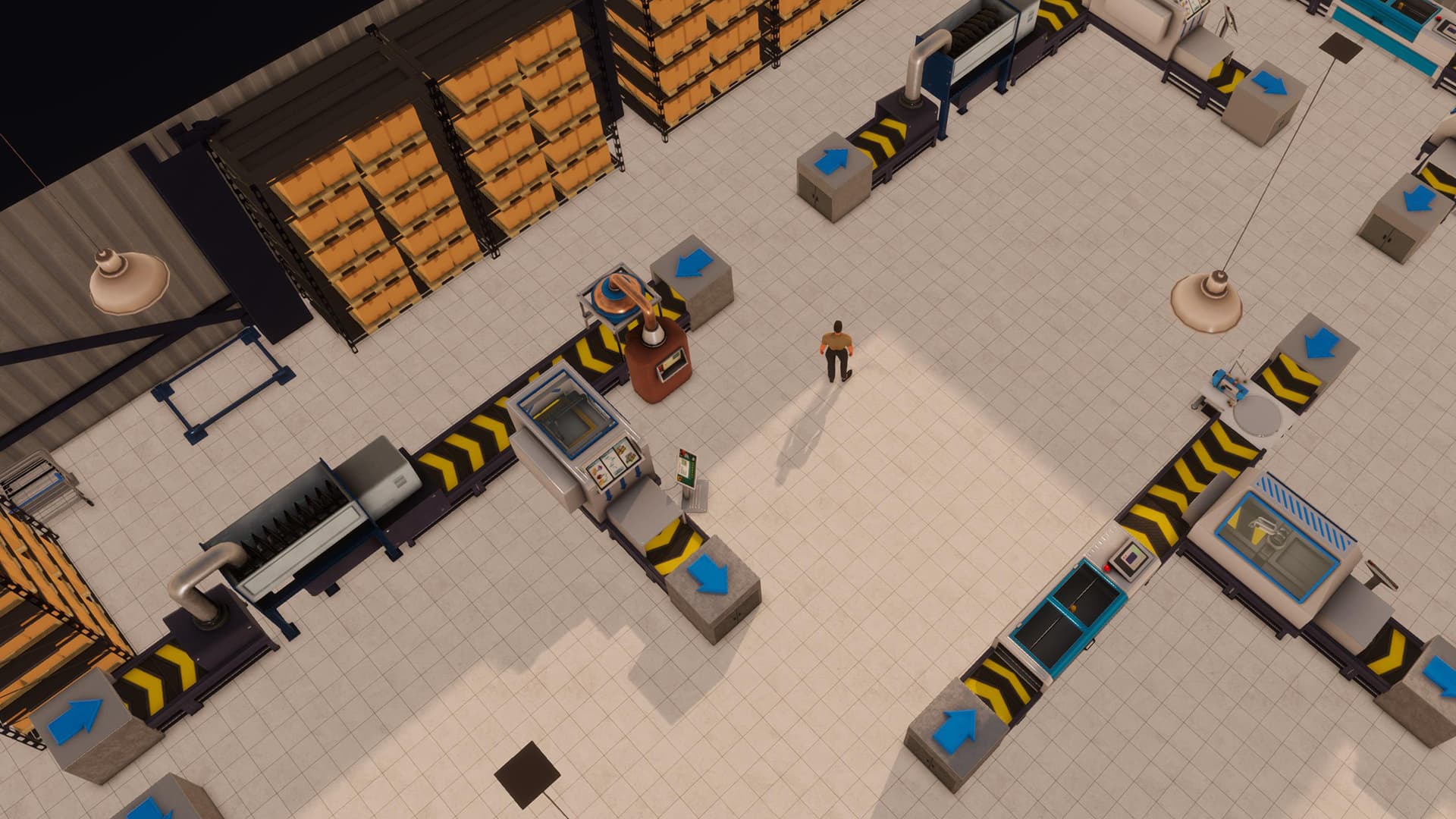
Import Options
EA 0.10 expanded product importing and added a raw-material import point for factory production.
- Expanded product import docks
- Pier 9 raw-material imports
- Factory supply chains
- Warehouse receiving and storage
Import Workflow
Treat the harbor as the purchasing source and the warehouse as the receiving and distribution layer.
- Choose an import product
- Confirm contract or supplier terms
- Provide warehouse receiving capacity
- Provide compatible storage
- Move stock to stores or factories
- Monitor reorder targets
Factory Supply
Raw materials must arrive before production lines can operate. Finished products then need output storage and a route to stores or another warehouse.
Plan an Import Order
Choose the product first, then check the contract size, receiving warehouse, storage footprint and the route to the final store or factory.
- Product and supplier
- Order size
- Warehouse receiving
- Compatible storage
- Destination route
Common Import Problems
An import order can fail operationally even when the contract exists.
- No warehouse receiving point
- Insufficient pallet capacity
- Minimum order not met
- Insufficient cash
- No route from warehouse to destination
Related Databases
Use these pages to trace the complete supply chain.
Questions
Frequently Asked Questions
How should I use the Big Ambitions Import Export Products figures?
Treat each figure as a planning reference and open its info Tip to see the tested version, save conditions and source type.
Can older-version player data be used?
Yes. Historical values can still help with setup and scale comparisons when their version and applicability are clearly labeled.
Source notes
Use the info icon beside a value to see whether it comes from player testing or community reports and which game version or save conditions apply.
References